The History of the First Camera: Mechanical Design & The Motivation Behind It
Read more
In the world of photography and content creation, there is a classic saying: "Light and lenses create the photograph; the camera body is just the box that records the data."
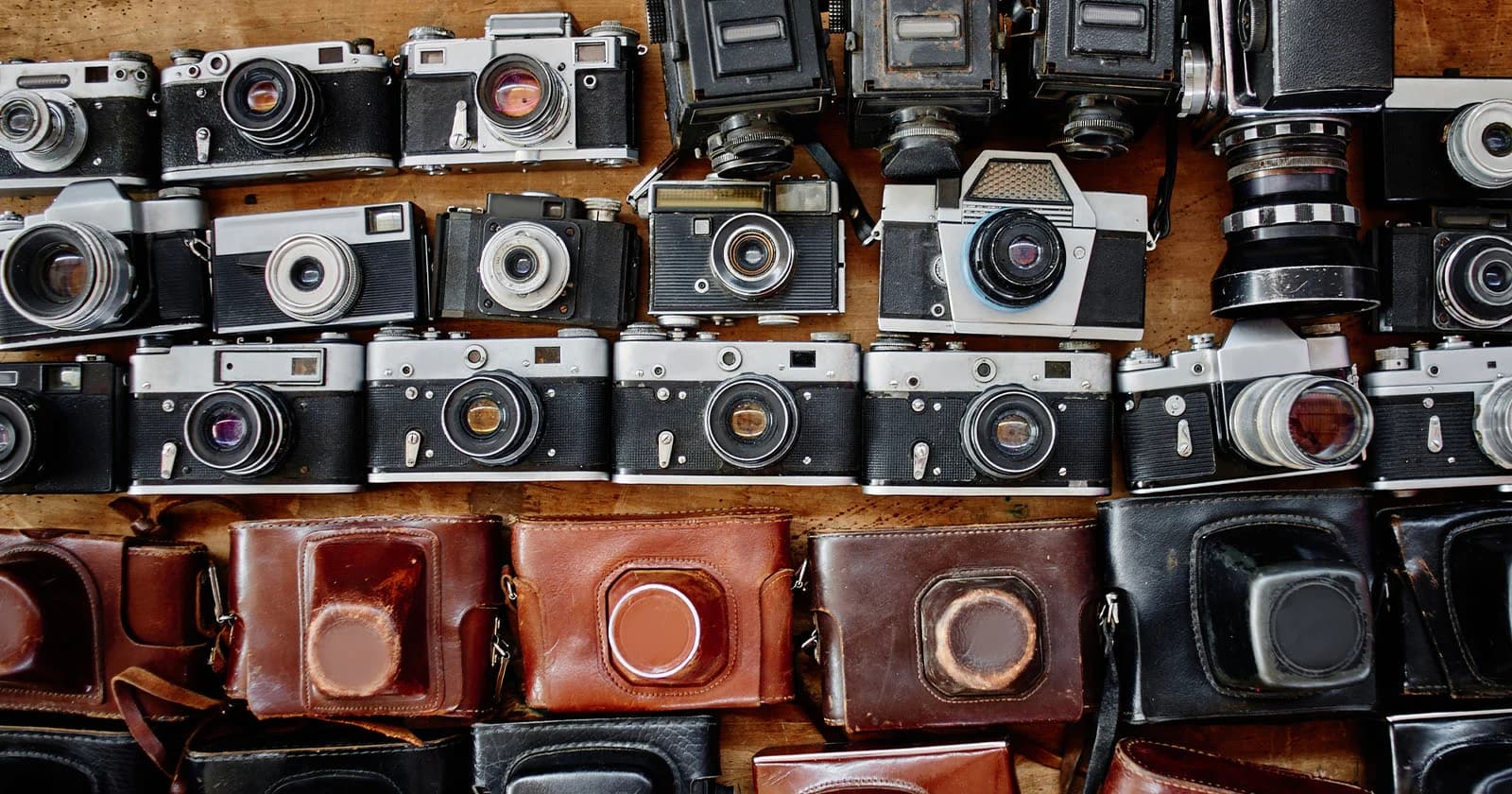
Despite this, when stepping into this field, most beginners are pressured by the hefty price tags of brand new cameras. Considering whether to buy a used (second-hand) camera is a completely natural and smart calculation, much like the trend of hunting for vintage digicams. However, the used market always comes with a fragile boundary between a "tech bargain" and an "expensive brick."
From the perspective of a working professional, here is the full picture of the benefits, risks, and the accurate inspection process before you spend your money.
| PROS (Strategic Benefits) | CONS (Technical Risks) |
|---|---|
| • Save 30% - 50% in costs | • No official manufacturer warranty |
| • Upgrade to a higher-tier camera | • Wear and tear of mechanical parts, battery |
| • Lower resale depreciation rate | • Hidden sensor/motherboard risks |
| • Extra budget for better lenses | • Requires hands-on inspection skills |

The biggest advantage of a used camera is the price. Digital equipment typically suffers the highest depreciation in its first 1–2 years. When you buy a used body:

Deep discounts always come with risks:

For years, buyers have passed around the rule: "Low shutter count means it's a great camera." This was true for DSLRs, but it's obsolete in the Mirrorless era.
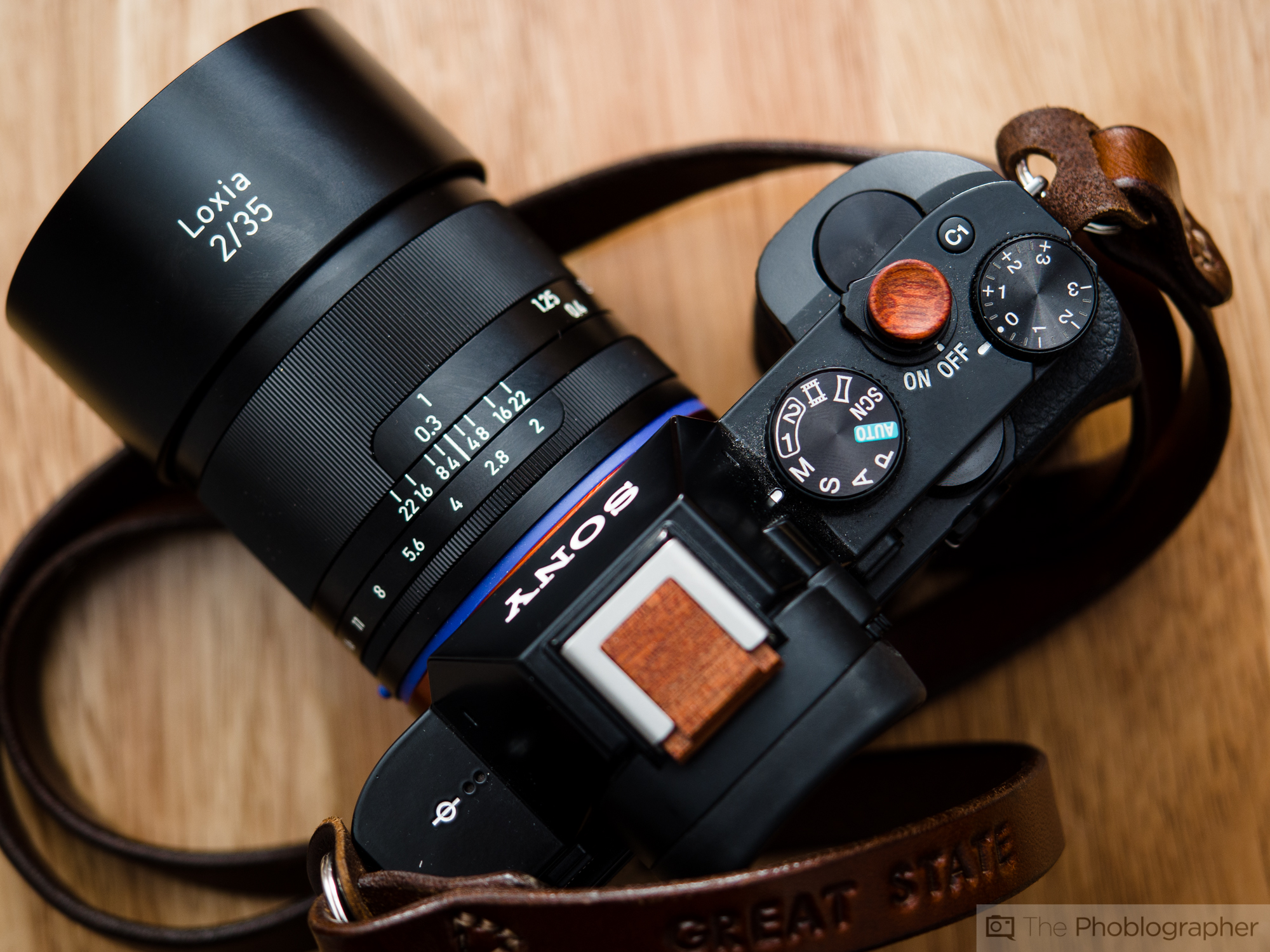
Current mirrorless cameras feature electronic shutters. When shooting in Silent Mode, the camera scans the sensor while the mechanical shutter doesn't move at all. Result: A camera might have taken 50,000 photos electronically, but the mechanical shutter count remains at just a few hundred.
Shutter counts do not measure video recording time. A camera used continuously for event videography or livestreaming will have an extremely low shutter count. However, running a sensor at high temperatures for extended periods can cause thermal noise and degrade the circuitry. Advice: Don't just look at the shutter count. Evaluate the originality of the screws, the grip rubber, and the actual image files.

The most common beginner mistake: Spending 90% of the budget on an expensive body and pairing it with the cheapest kit lens. Use this standard instead:
| CAMERA BODY (40%) | LENS SYSTEM (60%) |
|---|---|
| • Camera bodies depreciate fast | • Lenses hold their value for a long time |
| • Tech becomes outdated in a few years | • Determines sharpness, color, and bokeh |
Optical lenses have a lifespan of 10–20 years. Sharpness, contrast, and subject separation are largely determined by the optics. Buying a stable used body to allocate more budget to a high-quality lens is the fastest way to elevate your images.
When inspecting a camera in person, bring: 1 formatted SD card, a small flashlight (or phone flash), and a laptop/tablet.
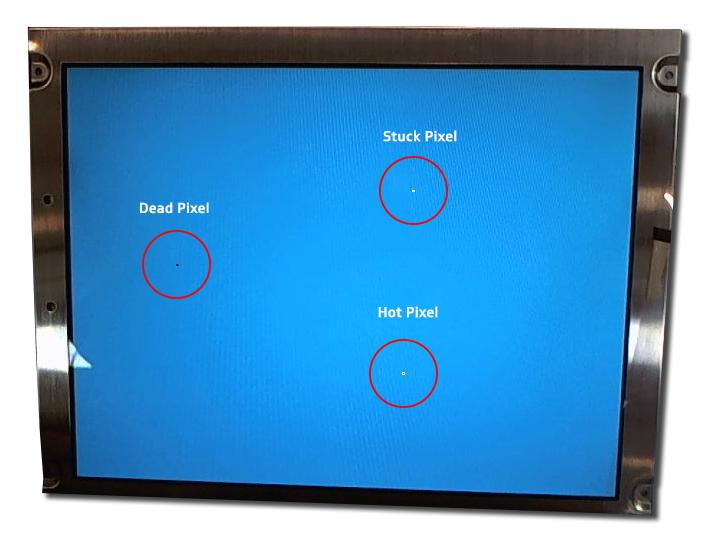
Step 2: Metal Lens Mount and Electronic Contacts The metal mount must be flat without deep scratches or warping. The gold contact pins should be shiny, free of green/black oxidation. Mount a lens: it should click solidly without abnormal wobbling.


| SHOULD BUY IF | SHOULD NOT BUY IF |
|---|---|
| You are a beginner needing to save budget for learning. | You use the camera for critical commercial projects (weddings, ads) where absolute reliability is #1. |
| You want a Full-frame camera at an affordable cost. | You don't have the time or technical knowledge to inspect it properly. |
| You understand the tech basics or buy from a reputable store with a warranty. | The used price is only 15% cheaper than brand new (not worth trading the warranty). |
Buying a used camera is a smart investment. By setting aside the "shutter count only" prejudice, strictly following the 40/60 budget rule, and carefully applying the 7-step checklist above, owning a great camera at a fantastic price is well within your reach.
What is considered a "high" shutter count? For Entry-level cameras, the mechanical shutter lifespan is around 100,000 shots. Pro cameras reach 200,000 to 500,000 shots. Under 20,000 is very new, 20,000–50,000 is normal, and above 80,000 requires careful consideration of mechanical wear.
Can I clean sensor dust myself at home? For dry dust, only use a dedicated rocket blower. Never blow with your mouth or use regular tissues/cotton swabs. For oily dust or fungus, take it to a technical center or use proper sensor cleaning swabs with dedicated solutions.
Should I buy imported domestic models (from Japan, US)? Yes, as long as the camera supports English. Note that some Japanese domestic models (especially older Sonys) are permanently locked to Japanese and cannot install English without risky software tampering.