When shopping for home security cameras, you will consistently hear the same promotional slogans: "AI camera with stranger facial recognition, instant alerts, 100% secure." But does integrating artificial intelligence truly turn a camera into an impenetrable fortress, or does it merely open an extra backdoor for threat actors?
Much like the debate over whether AI is killing or saving photography, technology is always a double-edged sword.
The Short Answer: AI cameras protect physical safety dramatically better than traditional cameras, but they introduce significantly higher cybersecurity and biometric privacy risks if not configured properly.
The Common Confusion: "Physical Safety" vs "Data Privacy"
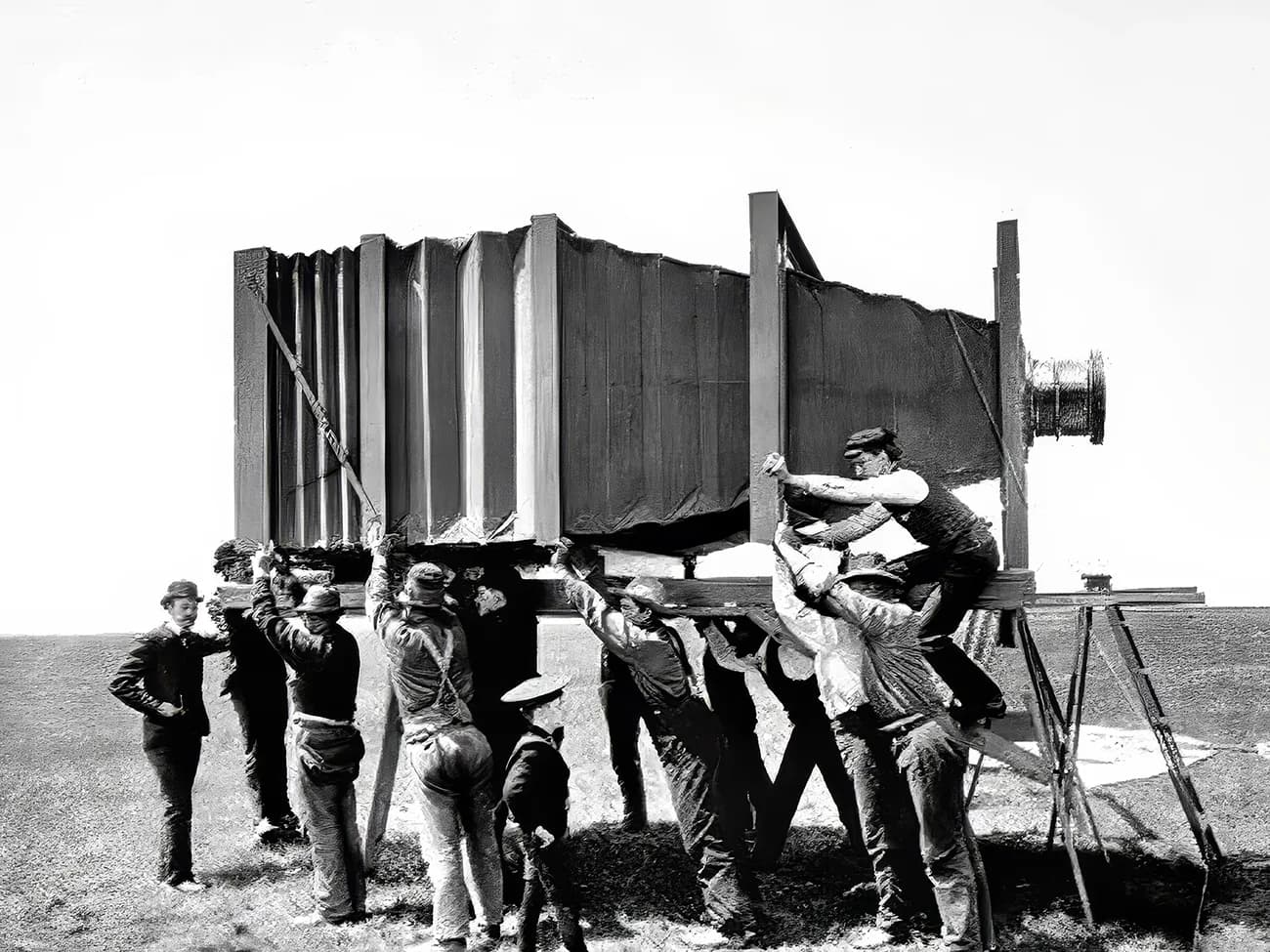
Cybersecurity vs Physical(CLICK TO EXPAND)
EDITORIAL ARCHIVE // SOURCE: INTERNET ARCHIVE
Most consumers mistakenly equate two fundamentally different concepts:
-
Physical Safety: The ability to deter intruders, prevent burglaries, and detect suspicious figures loitering at your doorstep. Here, AI cameras win hands down.
Physical Security(CLICK TO EXPAND)
EDITORIAL ARCHIVE // SOURCE: INTERNET ARCHIVE
-
Cybersecurity & Data Privacy: The assurance that your private footage, facial landmark vectors, and domestic audio cannot be harvested by camera manufacturers or hijacked by cybercriminals. In this regard, AI cameras present substantial new risks.
Data Privacy Risk(CLICK TO EXPAND)
EDITORIAL ARCHIVE // SOURCE: INTERNET ARCHIVE
A surveillance system can detect a thief in 0.5 seconds, but that exact same device might be transmitting facial feature vectors of your entire household to an unencrypted third-party cloud server.
How Do AI Cameras Tell Friends from Strangers?
AI Vision(CLICK TO EXPAND)
EDITORIAL ARCHIVE // SOURCE: INTERNET ARCHIVE
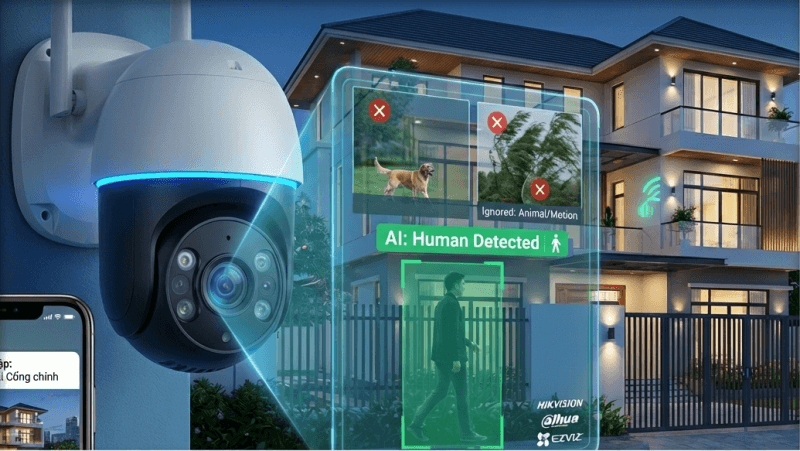
Traditional cameras lack cognitive intelligence. They trigger purely based on pixel change detection or passive infrared (PIR) sensors. Swaying tree branches, headlights, fluttering curtains, or a wandering pet will trigger continuous siren alarms. Consequently, after three days of notification fatigue, most homeowners permanently turn alerts off.
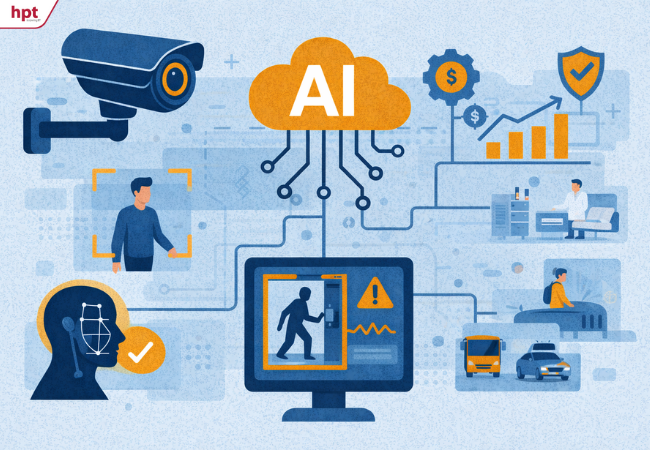
AI cameras address this issue through Convolutional Neural Networks (CNNs):
- Human Shape Detection: Analyzes body proportions and gait to distinguish human beings from animals or vehicles.
- Facial Landmark Extraction: Measures geometric distances between eyes, nose bridges, and jawlines to generate an encrypted mathematical representation called a Face Vector.
- Whitelist Matching: Compares this real-time vector against an authorized household database. If the variance surpasses predefined thresholds, the system flags a Stranger Detected alert.
Similar to how gadgets like Ray-Ban Meta smart glasses balance recording hardware with privacy indicators, where and how data is handled determines whether the device is safe.
The Two Sides of the Coin: Benefits vs Vulnerabilities
Security Camera Trend(CLICK TO EXPAND)
EDITORIAL ARCHIVE // SOURCE: INTERNET ARCHIVE
Major Surveillance Advantages
- Eliminates up to 95% of false alarms: You are only notified when a genuine human enters the monitoring zone.
- Proactive deterrence: Rather than merely recording a burglary for passive post-incident review, an AI camera can strobe lights or sound a siren the moment an unknown person lingers for more than 30 seconds.
- Intelligent search queries: Instead of scrubbing through endless hours of timeline footage, you can instantly search "find clips with an unfamiliar person in dark clothing."
Emerging Cybersecurity Risks
- Irreversible biometric data leaks: Passwords can be changed when compromised; your face cannot. If biometric face vectors are leaked from a vendor database, that identity risk is permanent.
- Expanded attack surface: AI cameras require complex operating systems, extensive API endpoints, and frequent connection to remote servers for model updates. More lines of code mean higher odds of zero-day vulnerabilities.
- Cloud reliance: Inexpensive consumer cameras often force continuous video uploading to third-party servers for cloud-side AI inference. If the vendor's cloud infrastructure is breached, intimate indoor camera feeds can be viewed by unauthorized parties.
The Decisive Factor: Edge AI vs Cloud AI
Edge vs Cloud(CLICK TO EXPAND)
EDITORIAL ARCHIVE // SOURCE: INTERNET ARCHIVE
Not all AI security cameras are created equal. The critical differentiator lies in where mathematical computation actually occurs:
- Path A (Edge AI): Camera captures video → On-board NPU chip processes frames locally → Only text push notifications leave the local network (High Privacy).
- Path B (Cloud AI): Camera captures video → Compresses stream → Sends live stream over the Internet → Cloud servers analyze → Responds back (High Risk).
1. Edge AI (Local On-Device Processing):
- Equipped with dedicated Neural Processing Units (NPUs) directly on the camera hardware.
- Video feeds and face vectors are calculated strictly within your local LAN.
- Raw video never leaves your home unless you open the companion app to view a live stream.
- Privacy Rating: Very High.
2. Cloud AI (Server-Based Processing):
- The camera itself is cheap, bare-bones hardware lacking computation power.
- The camera continuously streams live video to the vendor's cloud server where remote AI runs analysis.
- Risks: Vendor personnel viewing streams, server-side data leaks, or Man-in-the-Middle stream interception.
- Privacy Rating: Moderate to Poor.
Comprehensive Comparison Table
| Criteria | Traditional Cameras | Cloud AI Cameras | Edge AI Cameras |
|---|
| Stranger Detection | No (Generic motion only) | Yes (Highly sensitive) | Yes (Local real-time analysis) |
| False Alarm Rate | Very High (>80%) | Very Low (<5%) | Very Low (<5%) |
| Biometric Leak Risk | None (No face vectors) | Highest (Stored on vendor cloud) | Very Low (Stored locally on SD/NVR) |
| Network Security | Dependent on RTSP/password | Dependent on vendor cloud policies | Fully isolated inside local VLAN |
| During Internet Outages | Records normally to SD/NVR | Loses all AI detection abilities | Keeps analyzing and firing sirens |
| Hardware Cost | Lowest ($15 - $30) | Medium ($30 - $70 + subscription) | Premium ($70 - $250+) |
5-Step Checklist to Secure Your Home AI Camera
If you choose to install AI surveillance cameras, implement these 5 security safeguards immediately upon unboxing:
- Prioritize Edge AI Architecture: Select systems with on-board NPU processing (such as Apple HomeKit Secure Video compatible cameras, Aqara, UniFi Protect, or commercial AI IP cameras coupled with a local NVR).
- Enforce Two-Factor Authentication (2FA): Always activate 2FA on your camera management app. Never use accounts secured only by a password.
- Disable UPnP and Change Default Ports: Turn off Universal Plug and Play (UPnP) on your home router. UPnP silently opens external ports to the public internet, exposing your cameras to automated botnet scanners.
- Isolate Cameras on an IoT VLAN: Never place security cameras on the same network subnet as your personal laptop or mobile banking devices. Create a segregated Wi-Fi Guest or IoT network on your router.
- Be Mindful of Sensitive Indoor Spaces: Never place cloud-connected cameras in bedrooms, bathrooms, or intimate living areas regardless of how smart they are. In private rooms, use cameras equipped with a physical motorized privacy shutter that covers the lens when you are home.
Investment Advice: Who Should Buy and Who Should Pass?
- Buy an AI Camera If: You are monitoring perimeter entrances, driveways, garden gates, public building corridors, warehouses, or storefronts. In these locations, stranger alerts and intrusion boundaries provide immense physical security value.
- Skip AI Cameras If: You only want to check on a sleeping pet in your living room or monitor an indoor hallway. Paying extra for facial recognition in these spaces only introduces biometric leak vectors without meaningful security upside. Much like choosing between buying a used vs new camera, purchase hardware tailored to your genuine real-world needs.
Frequently Asked Questions (FAQ)
Can AI cameras mistake family members for strangers?
Yes. Consumer AI cameras maintain an accuracy rate between 88% and 96% depending on ambient lighting, angle, and camera height. If a family member wears a full helmet, face mask, or walks through darkness without fill lighting, the system will trigger a stranger alert.
Can hackers fool an AI camera using a printed photo?
On budget cameras analyzing 2D images, attackers can fool basic facial recognition using a printed photograph or tablet screen (known as 2D Spoofing). Higher-end hardware featuring infrared depth mapping or active liveness detection algorithms effectively prevents this vulnerability.
Are big-brand AI security cameras immune to hacking?
No system connected to the internet is 100% impenetrable. While major brands push routine firmware security patches much faster than generic OEM cameras, the weakest link is almost always user practice: weak default passwords and disabled two-factor authentication.