Let’s be real: We all carry a high-powered camera in our pockets every single day. But most of us only use it to take blurry photos of parking lot numbers or our sleeping pets. If you want to take your mobile photography to the next level—especially while exploring the gorgeous landscapes of Vietnam—you need to download the right apps.
But if you open the App Store or Google Play, you are flooded with millions of options. Half of them are subscription traps, and the other half just cover your face in digital makeup until you look like a glossy mannequin.
Don't worry. I've done the testing for you. Here are the 5 best mobile photography apps for iOS and Android that actually improve your shots.
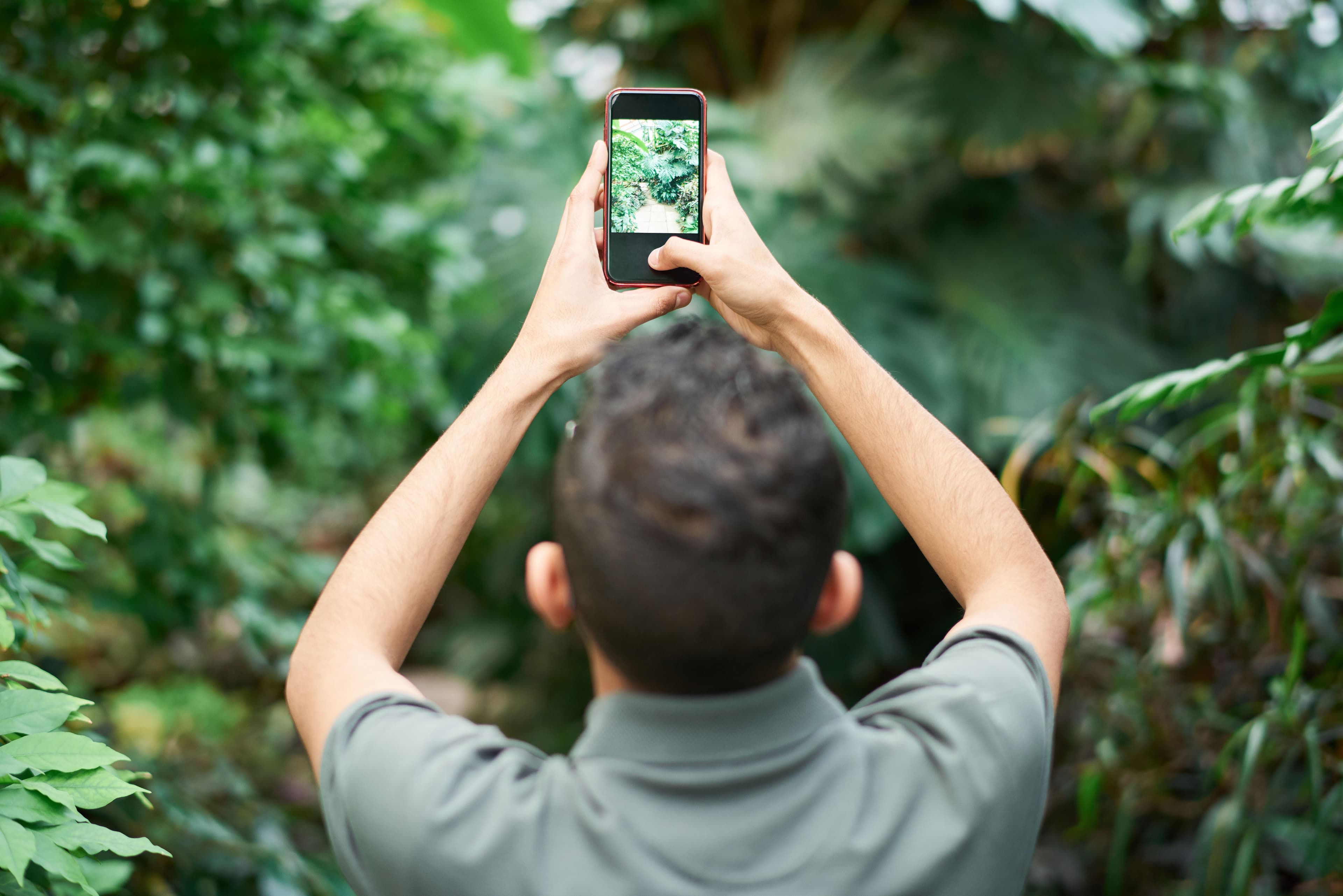
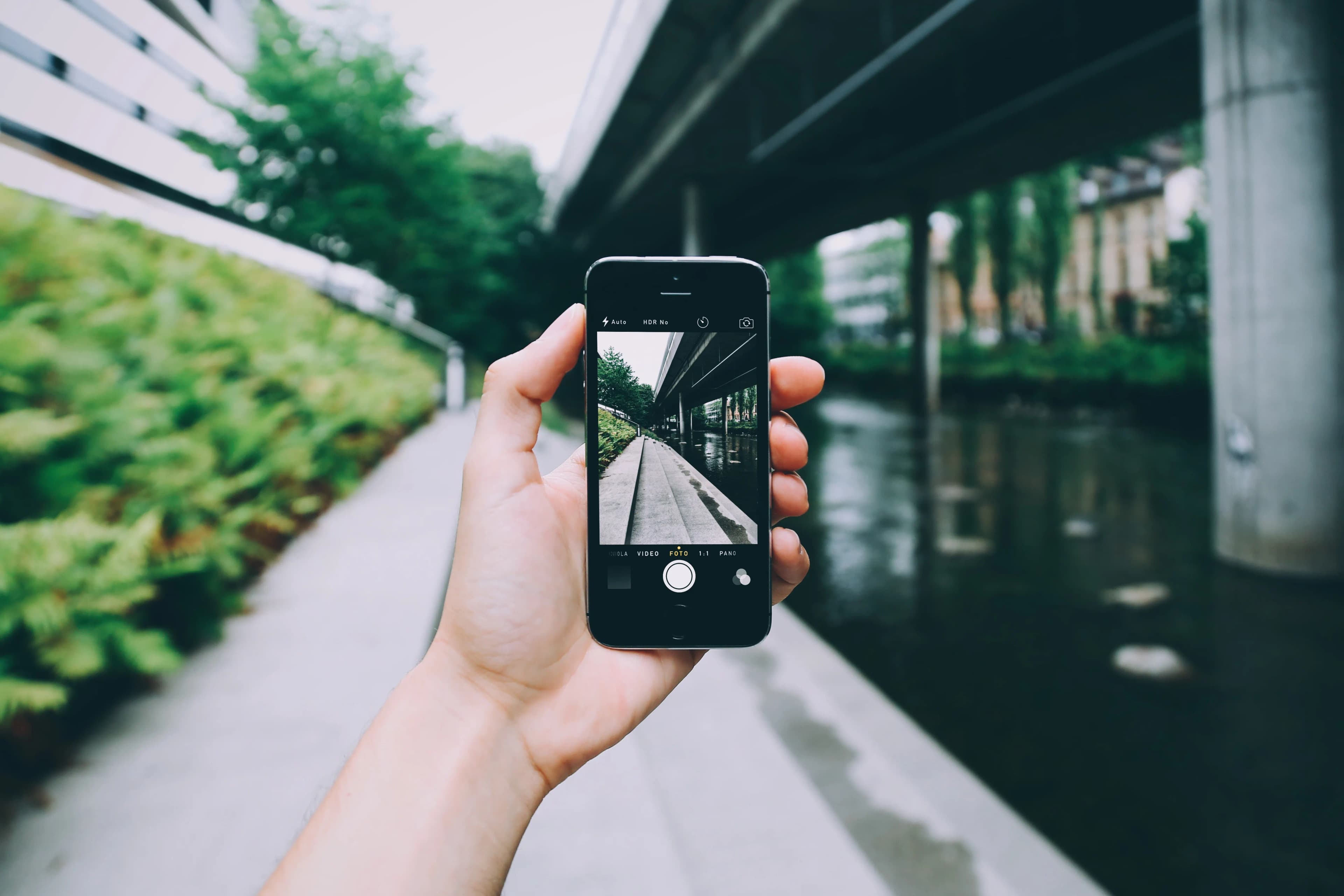
A smartphone held up taking a photo of a scenic view(CLICK TO EXPAND)
EDITORIAL ARCHIVE // SOURCE: PEXELS
1. Halide Mark II (iOS Only – The Pro Camera)
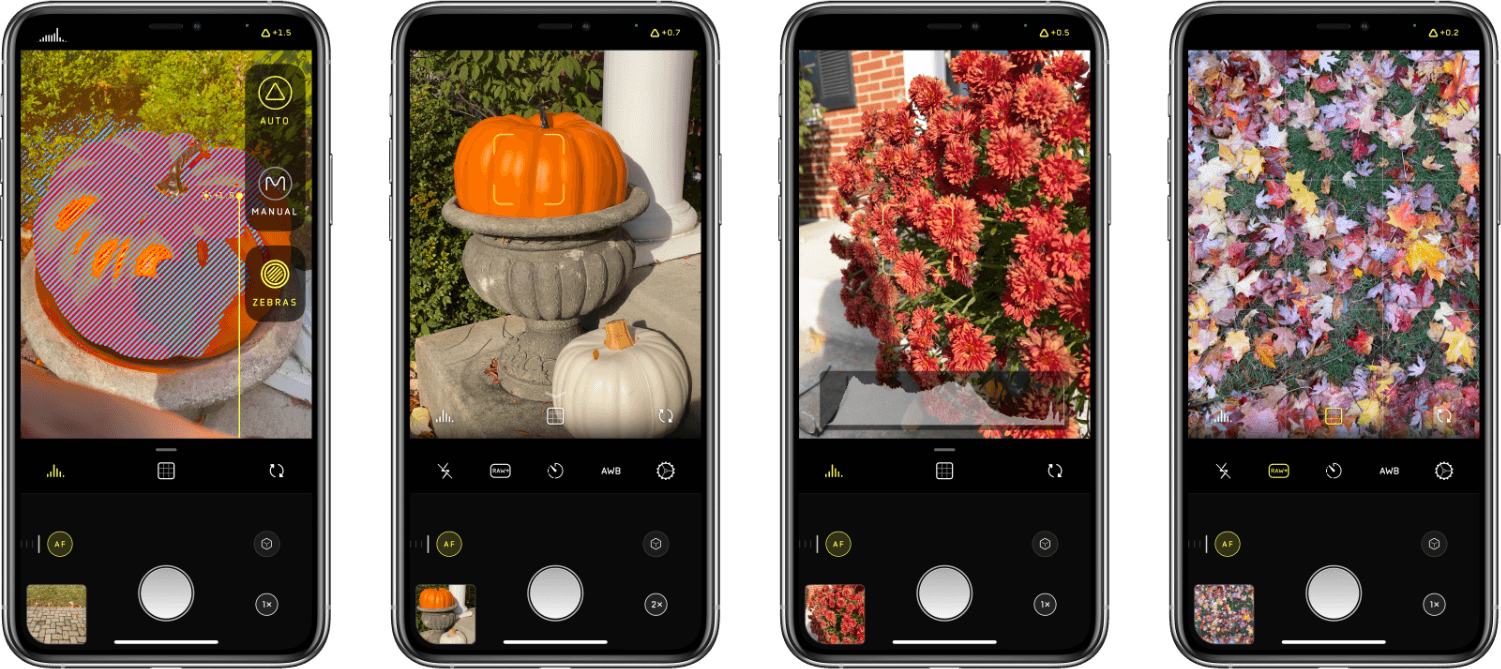
If you are on an iPhone and want full, manual control over your camera just like a DSLR, Halide is the gold standard. It has a beautiful, gesture-based interface designed for one-handed shooting.
- Why It's Great: It lets you capture raw format photos (Apple ProRAW), controls shutter speed and ISO manually, and has a professional focus peaking tool that highlights exactly what is in focus.
- Best For: Serious photographers who want to squeeze every bit of sensor detail out of their iPhone.
Halide Mark II App Interface(CLICK TO EXPAND)
EDITORIAL ARCHIVE // SOURCE: INTERNET ARCHIVE
2. Dazz Cam (iOS & Android – Retro Film Vibes)
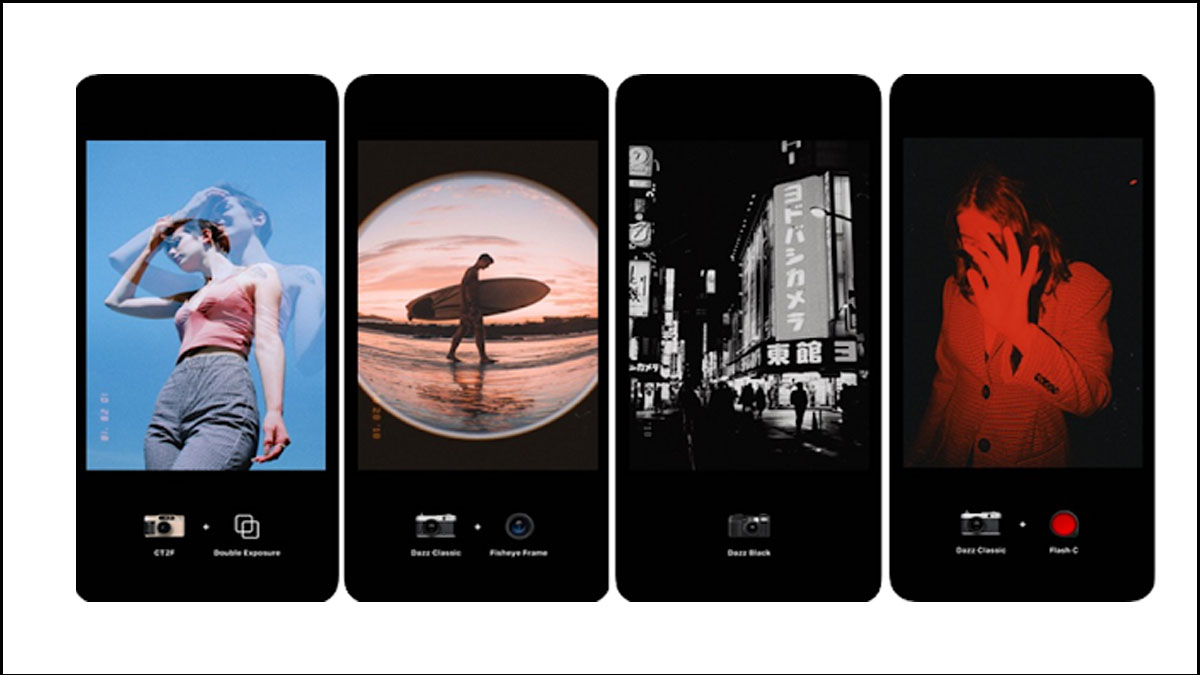
Dazz Cam is inspired by vintage retro film cameras from the 80s. It doesn't just put a generic filter over your shot; it actually mimics the organic leaks, colors, and textures of specific classic camera models.
- Why It's Great: You can choose classic cameras like the 'D Classic' or 'D Half' to get that authentic half-frame look. It adds light leaks, grain, and color shifts that make your travel memories look nostalgic. Combine this style with my guide on developing film in Saigon to compare digital vs. analog!
- Best For: Creating instant vintage aesthetics for social media without doing manual color grading.
A vintage Polaroid style capture displaying retro film vibes(CLICK TO EXPAND)
EDITORIAL ARCHIVE // SOURCE: INTERNET ARCHIVE
3. Snapseed (iOS & Android – The Free Powerhouse)
Created by Google, Snapseed is 100% free and contains zero ads. It is one of the most powerful, complete photo editing tools available on mobile.
- Why It's Great: The 'Healing' tool lets you easily remove unwanted tourists from your background. The 'Selective' tool lets you adjust brightness or saturation on specific parts of your image without affecting the rest.
- Best For: Fast, precise adjustments on both Apple and Android devices.
Snapseed Mobile Photo Editor(CLICK TO EXPAND)
EDITORIAL ARCHIVE // SOURCE: INTERNET ARCHIVE
4. Adobe Lightroom Mobile (iOS & Android – The Industry Standard)
Lightroom is what the pros use. The mobile version brings most of desktop Lightroom's color management power directly to your phone.
- Why It's Great: It allows you to sync presets, edit color curves, and perform advanced masking. If you are shooting landscape shots in Vietnam, Lightroom is unmatched at bringing out details in the shadows of mountains or highlights of clouds.
- Best For: Photographers who want exact control over color grading and exposure.
Adobe Lightroom Mobile Interface(CLICK TO EXPAND)
EDITORIAL ARCHIVE // SOURCE: INTERNET ARCHIVE
5. Xingtu / Meitu (iOS & Android – AI Retouching & Effects)
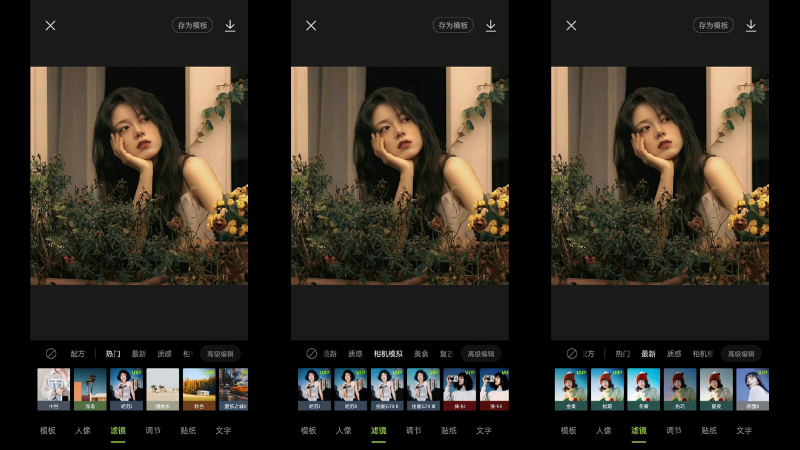
Xingtu (known as Meitu internationally) is the undisputed king of portrait editing in Asia. It uses AI to smooth skin, adjust lighting, and apply highly polished Asian aesthetic filters.
- Why It's Great: It is incredibly advanced at facial recognition and offers structural edits that look surprisingly clean if used sparingly.
- The Catch: It is very easy to go overboard. If you slide the beauty settings to 100%, you will end up looking like an anime character with a chin sharp enough to cut glass and eyes the size of tea saucers.
Xingtu Meitu Portrait Editing(CLICK TO EXPAND)
EDITORIAL ARCHIVE // SOURCE: INTERNET ARCHIVE
🙋 FAQ: Mobile vs. Real Camera
Can phone apps replace a professional camera?
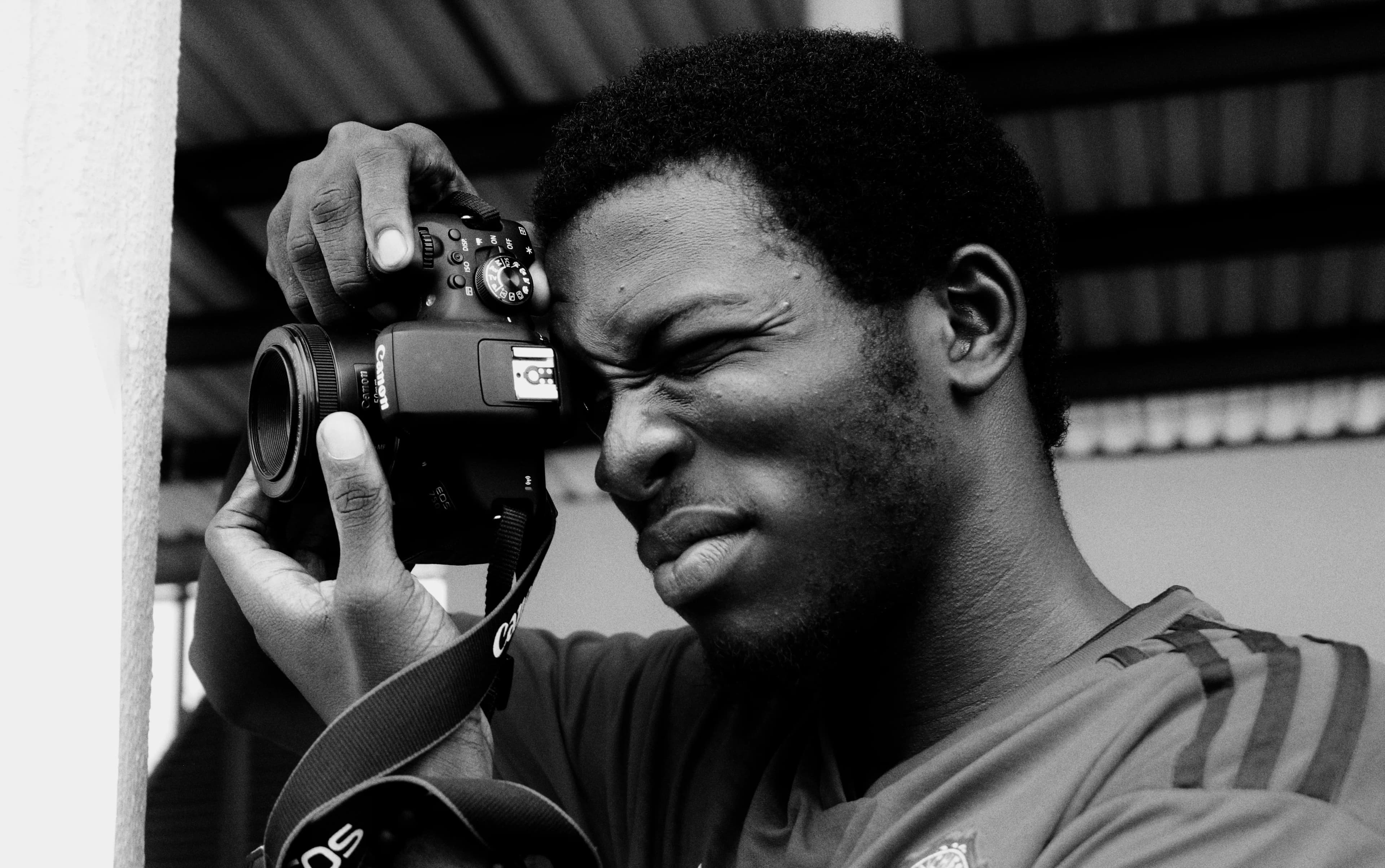
For social media and casual day-to-day snaps, modern phone cameras are incredible. However, they lack the physical optical depth, dynamic range in low light, and high-resolution details of a full-frame sensor.
How do I keep my phone photos from looking fake?
Avoid heavy filters and automatic face-slimming features. Focus on getting good natural lighting, keeping your composition clean, and using minor adjustments in Lightroom or Snapseed to enhance rather than replace reality.
Here is the hard truth...
No matter how advanced mobile sensors get, and no matter how magical Meitu's AI chin-slimming sliders are, they can never replicate the genuine feel of a real shoot.
An app cannot tell a joke to make you laugh naturally, it cannot guide you to a secret rooftop view at blue hour, and it cannot capture the three-dimensional depth of a high-end prime lens.
Skip the filters, skip the gelling, and let's go capture the real, authentic, cinematic version of you in Saigon.